
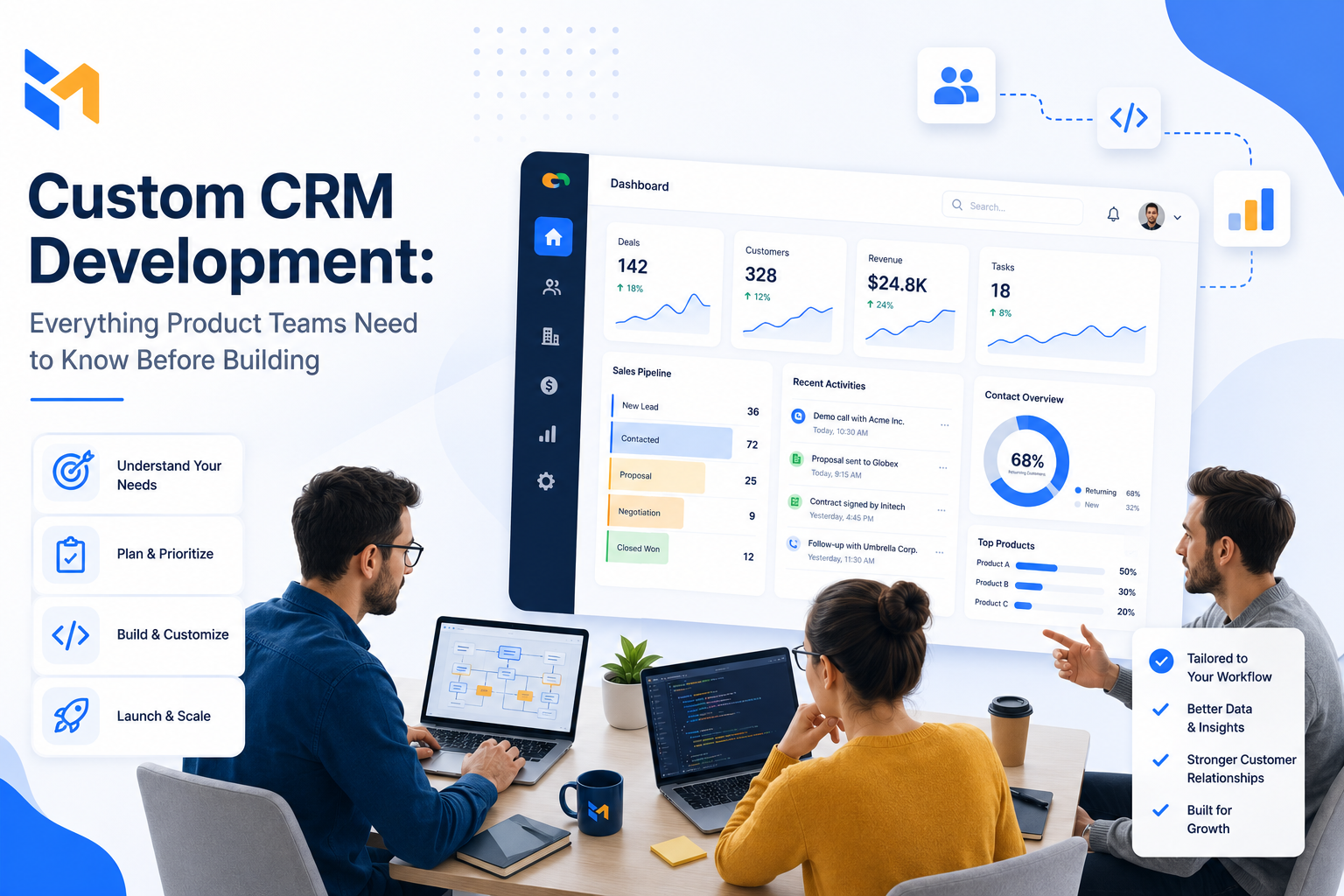
Customer expectations aren’t getting easier to meet. Users want seamless experiences, fast responses, and personalized interactions — and off-the-shelf CRM tools can only take you so far before you start bending your workflows around software limitations instead of the other way around.
That’s the moment most founders and product teams start asking: should we build our own?
Custom CRM development isn’t a simple answer. It’s a significant investment with real trade-offs. But when it fits, it fits better than anything you can buy. This guide covers every major decision point — cost, timeline, team, features, testing, and architecture — so you can go into that conversation informed.
What Is Custom CRM Development and When Does It Make Sense?
A custom CRM system is built from scratch (or heavily adapted from a base) to match your specific business processes, data model, and customer journey — rather than forcing your team to adapt to a generic platform.
Off-the-shelf solutions like Salesforce, HubSpot, or Zoho work well for standard sales and support workflows. But they become expensive and limiting when your processes are non-standard, your data requirements are complex, or you need deep integration with proprietary internal systems.
Custom CRM development makes sense when:
- Your team spends significant time working around tool limitations
- You need integrations that existing platforms don’t support well
- Your customer data model is complex or industry-specific
- You’re building a product where CRM is a core competitive differentiator
- Long-term licensing costs of off-the-shelf tools outweigh a build investment
It doesn’t make sense when your workflows are standard, your team is small, and speed to market matters more than fit. In that case, configure what exists and revisit later.
How Much Does Custom CRM Development Cost?
There’s no fixed price — and anyone who gives you one without asking detailed questions is guessing. That said, you need ballpark numbers to have a realistic conversation internally.
The main cost drivers are:
Complexity and features. A basic CRM with contact management, a sales pipeline, and reporting costs far less than one with AI-driven forecasting, complex workflow automation, and multi-system integrations. Every additional module adds scope.
Custom build vs. adapted solution. Building from scratch gives you maximum flexibility and maximum cost. Adapting an existing open-source platform or customizing a base solution can be a middle path — you get bespoke fit without starting from zero.
Team structure and location. Hiring a full delivery team — backend, frontend, QA, DevOps, PM, architect — costs more than working with a focused agency or nearshore partner. Eastern European development teams (Ukraine included) offer competitive rates without sacrificing engineering quality, making them a practical choice for founder-led and growth-stage companies.
Ongoing costs. The build is not the end of the spend. Hosting, maintenance, security updates, and feature iterations are recurring costs that need to be in your financial model from day one.
Integrations and data migration. If you’re moving from an existing CRM or connecting to ERP, billing, or support systems, that work adds meaningful scope.
As rough reference points: a basic MVP-level custom CRM typically starts around $60,000. A full-featured solution with advanced integrations and multiple modules can reach $300,000 or beyond. The right number for your situation requires a proper scoping session.
How Long Does CRM Development Take?
Timeline depends on scope — but here’s a realistic breakdown of the phases and what drives each one:
Project planning and requirements — 1 to 2 months. Defining scope, documenting requirements, aligning stakeholders. Rushing this phase creates expensive rework later.
Design and architecture — 1 to 3 months. Database design, system architecture, UI/UX. The decisions made here determine how well the system scales two years from now.
Development — 6 to 14 months. The widest range, because scope varies the most here. Backend and frontend development, feature implementation, third-party integrations. A focused MVP can move faster; a full enterprise build takes longer.
QA and testing — 1 to 3 months. Comprehensive testing isn’t optional — see the next section. Teams that compress this phase ship unstable software and pay for it in production.
Deployment and launch — 1 to 2 weeks. Data migration, environment configuration, final checks before go-live.
In practice: a simple CRM takes 4 to 6 months. A full product is typically 6 to 12 months. Large-scale multi-platform systems can extend to 12 months and beyond, sometimes up to two years for enterprise-grade complexity.
MVP timelines vary significantly too — from 5 months to a year depending on the feature set you define as minimum viable.
What Team Do You Need to Build a CRM System?
The right team size depends on scope. Here’s how to think about it by stage:
For an MVP or internal tool: backend developer, frontend developer, UI/UX designer, QA engineer, project manager. A lean team that can move fast.
For a standard CRM with custom features: add a database administrator, DevOps engineer, and system architect. You need infrastructure thinking from the start, not retrofitted later.
For an advanced or enterprise CRM: senior backend and frontend engineers (plural), multiple QA specialists, a business intelligence expert, mobile app developers if you need native apps, and a compliance specialist if you’re handling regulated data.
The roles that get underestimated most often are QA and architecture. Skimping on either creates technical debt that compounds. A system architect who makes the right database and API decisions early saves months of painful refactoring later. A QA team that’s embedded from the start — not parachuted in at the end — ships software that actually works.
What Features Should a Custom CRM Include?
There’s no universal feature list. Your business requirements define what’s essential. That said, there’s a core set that any serious CRM needs to cover, and a layer of advanced capabilities that differentiate a good system from a great one.
Core features every CRM needs:
- Contact and account management — centralized customer data, communication history, activity timeline
- Sales pipeline and opportunity tracking
- Lead management and segmentation
- Task and activity management
- Email integration and campaign tracking
- Workflow automation for repetitive processes
- Dashboards and reporting with real-time data
- Document management
- Customer support ticketing
- Mobile-responsive interface
- API layer for third-party integrations
- Role-based access control and data security
- Audit logs and compliance management
Advanced features for more complex needs:
- AI-driven sales forecasting and lead scoring
- Advanced analytics and BI integration
- Multi-channel communication (SMS, chat, social)
- Custom workflow builders for non-technical users
- Offline mobile functionality
- Data migration tooling for legacy system transitions
The temptation is to build everything at once. The better approach is to define what makes the system genuinely useful on day one, ship that, and iterate based on real usage.
How to Test a Custom CRM System Properly
Testing a CRM isn’t a checkbox at the end of the project. It’s an ongoing process that runs parallel to development and continues after launch.
A comprehensive QA strategy for custom CRM development includes:
Automated testing covering functional correctness, regression after every code change, and performance under normal conditions. Automation is what makes it possible to ship confidently and frequently.
Load and stress testing to understand where the system breaks. You want to find the limits in a test environment, not when a large customer batch runs a campaign that brings down the database.
API testing to validate that all integrations behave correctly — right data in, right data out, proper error handling, acceptable response times.
User acceptance testing (UAT) with real end users before go-live. The people who will use the system daily will find problems that testers never will.
Data migration testing to ensure that historical data from your existing systems maps correctly, completely, and accurately to the new CRM structure.
Cross-browser and cross-device testing to confirm the system works consistently whether someone opens it in Chrome on a laptop or Safari on an iPhone.
Failover and recovery testing to verify that backups work and data can be restored if something goes wrong.
The general benchmark is 80–100% test coverage for critical functionality. In practice, that means combining automation for repeatability with manual testing for UX and exploratory scenarios.
At Basmar Software, QA is part of every project from the requirements phase — not a separate engagement that starts when development “finishes.”
How to Integrate a CRM with Your Existing Systems
A CRM that lives in isolation creates more problems than it solves. The value of customer data multiplies when it flows freely between your CRM, your billing system, your support platform, your marketing tools, and your analytics stack.
The main integration approaches and their trade-offs:
Native integrations with commonly used tools (email clients, accounting software, collaboration platforms) are the lowest-friction option when they exist. They’re maintained by the vendor and generally stable.
API integrations offer the most flexibility. You can connect almost anything if you have the technical resources to build and maintain the integration. The trade-off is ongoing maintenance as APIs on either side evolve.
Middleware and integration platforms (like Zapier, Make, or custom middleware layers) simplify data routing between systems without custom code for every connection. Useful for standard workflows, limited for complex data transformations.
Single-provider ecosystems reduce integration complexity but create vendor lock-in. Worth evaluating carefully before committing.
The common failure modes in CRM integration are data silos (systems that don’t talk to each other), wrong integration design (data flowing in the wrong direction or with poor mapping), and data overload (pulling in more than the system can usefully surface). A proper integration architecture addresses all three from the start.
CRM System Architecture: Scalability and Flexibility
A CRM you build today needs to handle two or three times the load in two years, connect to tools that don’t exist yet, and absorb new features without requiring a full rewrite. That’s not aspirational — it’s the baseline expectation.
The architectural decisions that determine whether you get there:
Cloud-based infrastructure is the practical default for scalability. It handles increased load without hardware investment and gives you geographic redundancy relatively cheaply.
Modular architecture means components can be developed, deployed, and scaled independently. When your support volume doubles, you scale the support module — not the entire system.
Robust API design is what makes the system extensible. A well-designed API layer lets you add integrations, build mobile apps, and expose data to other internal tools without touching the core CRM logic.
Database optimization — proper indexing, partitioning, caching — determines how the system performs as data volume grows. These decisions are expensive to retrofit later.
Version control and rollback planning means you can release confidently because you can recover quickly if something goes wrong.
Regular scalability testing to simulate increased load before it’s real. Find the bottlenecks in staging, not production.
How to Design a CRM That People Actually Use
The most technically sophisticated CRM in the world fails if the people who are supposed to use it don’t. User adoption is consistently one of the top reasons CRM implementations underdeliver.
The design principles that drive adoption:
Clarity over cleverness. Every action should be obvious. Navigation should be self-explanatory. If users need training to find basic functionality, the design has failed.
Minimal clicks for frequent tasks. Map the workflows your team runs every day and optimize those paths ruthlessly. Everything else is secondary.
Consistent visual language. Unified typography, color, and component patterns reduce cognitive load. Users build muscle memory faster when the interface behaves predictably.
Visual hierarchy for critical data. Important information should stand out. If everything is equally prominent, nothing is.
Responsive and cross-platform. Sales reps in the field and support agents at a desk are using the same system. It needs to work well for both.
Customizable dashboards. Different roles need different views. Giving users control over what they see on their primary screen dramatically increases daily engagement.
Accessibility by default. Keyboard navigation, screen reader compatibility, sufficient contrast — these aren’t optional extras, they’re baseline requirements.
The best way to validate a CRM design is to test it with real users early and often. Prototype, watch people use it, note where they hesitate, fix what’s confusing. Repeat.
Common CRM Development Challenges and How to Handle Them
Low user adoption. The system gets built but nobody uses it. The fix starts before development: involve end users in requirements, design for their actual workflows, and communicate the benefits clearly. Training and onboarding are not afterthoughts.
Poor data quality. Migrating bad data into a new system just moves the problem. Run data cleansing before migration, implement validation rules, and establish data governance processes from launch.
Scope creep and customization complexity. Every stakeholder has a feature request. Prioritize ruthlessly, ship core functionality first, and build a process for evaluating additions against business impact.
Integration failures. Systems that don’t talk to each other correctly corrupt data and erode trust in the CRM. Use standardized APIs, test integrations thoroughly, and establish monitoring for data flows post-launch.
Scalability issues. The system works fine at launch but degrades under real load. This is an architecture problem that has to be solved during design — not after the fact.
Security and compliance. CRMs hold sensitive customer data. Encryption, access controls, authentication, and regular security audits are non-negotiable — especially if you’re in a regulated industry.
Ready to Scope Your CRM Project?
Custom CRM development is a serious commitment. The teams that do it well go in with clear requirements, realistic timelines, the right technical partners, and a QA process that doesn’t get compressed when schedules get tight.
If you’re at the point where you know you need a custom solution but aren’t sure what it actually takes to build one — that’s exactly what a project scoping session is for.
Book a project estimate with Basmar Software →
We’ll assess your requirements, challenge your assumptions where it matters, and give you an honest picture of scope, cost, and timeline — before you commit to anything.